What Is Cloud Streaming and How Does It Work?
Cloud streaming lets you broadcast without a computer of your own doing the work. Here's what it is, how it works, and why it's ideal for 24/7 channels.
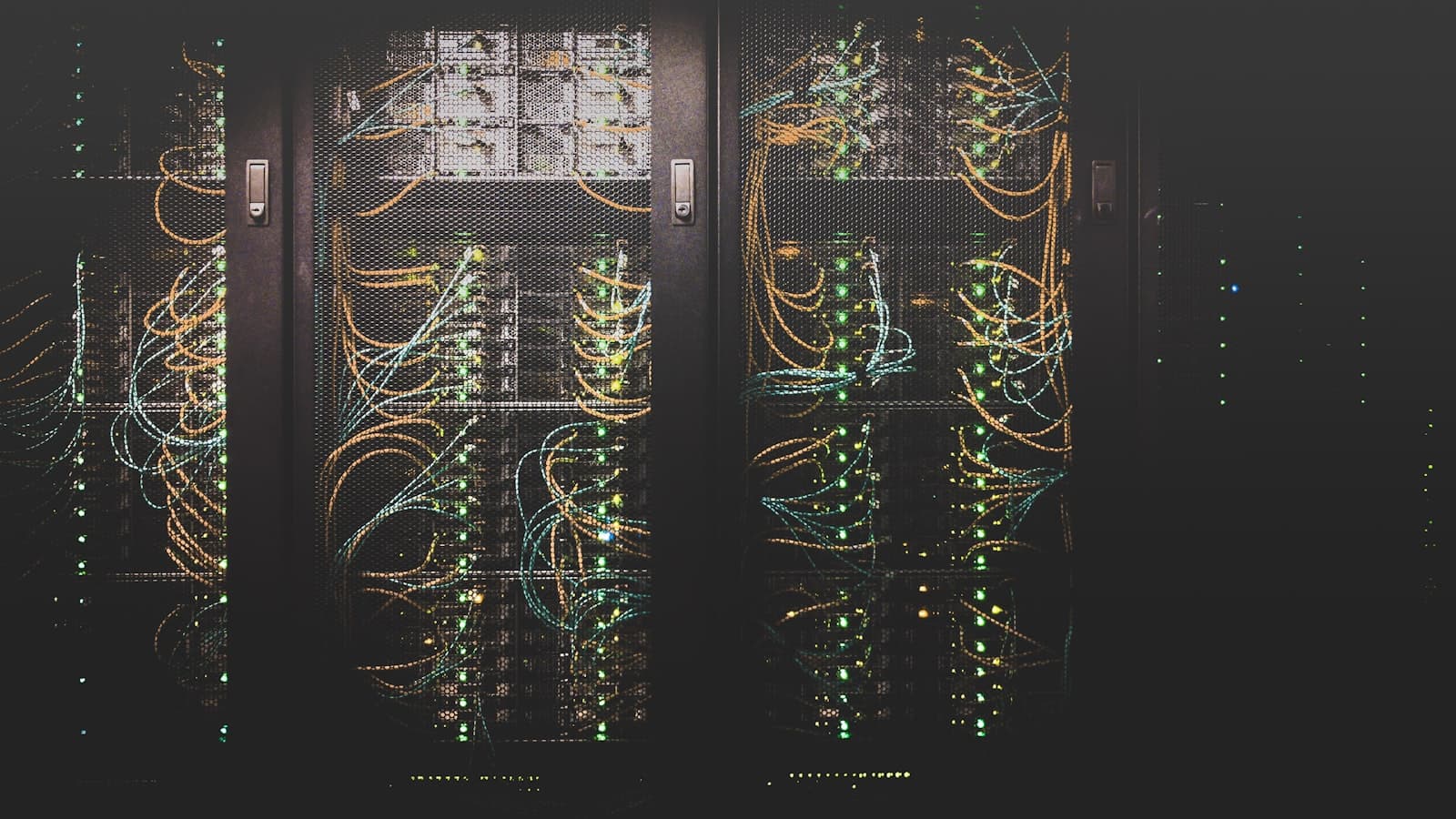
"Cloud streaming" gets used a lot, but the idea behind it is simple: instead of your own computer encoding and sending a live feed, a service in a data center does it for you. That shift — from your desk to the cloud — is what makes hands-off, always-on streaming possible.
Here's what cloud streaming is and how it works.
Key takeaways
- Cloud streaming runs your broadcast on remote servers, not your PC.
- You manage everything from a browser — no software to install.
- It removes home hardware and bandwidth as points of failure.
- It's ideal for 24/7 channels that must stay online.
The basic idea
Traditional streaming happens on your machine: software like OBS captures and encodes your content, and your internet connection uploads it to a platform. Cloud streaming moves that whole job to a remote server. You upload your videos (or connect a feed) to the service, and it handles the encoding and delivery from the cloud. Your computer's role shrinks to a browser tab you use to set things up — after that, it isn't part of the broadcast at all.
How it works step by step
For a pre-recorded channel, the flow is: you upload videos to the service's media library, where they're prepared for streaming; you arrange them into a playlist; you connect a platform with its stream key; and the service broadcasts the playlist over RTMP from its servers. Because the videos are encoded ahead of time, there's no real-time processing to stutter, and the feed originates from robust data-center bandwidth rather than your home connection.
Why it's more reliable
Reliability is where cloud streaming shines. A home setup depends on a computer staying on and stable and an internet connection that never dips — both common causes of dropped streams. The cloud removes them: there's no home PC to crash and no household bandwidth to congest. Services like StreamHouse add automatic restart and target 99.9% uptime, so brief network blips become quick recoveries rather than outages.
What it's best for
Cloud streaming suits anything pre-recorded or always-on: 24/7 music and lofi, reruns, education, ambient channels, digital signage, and brand streams. It's also useful for multistreaming a live feed, since the cloud can relay to many platforms without taxing your upload. If your value is being live in the moment on camera, local tools still have their place — but for hands-off, continuous presence, the cloud is the natural fit.
Getting started
Because there's nothing to install, starting is quick: create an account, upload your videos, build a playlist, paste a stream key, and press Start. From there you can close your laptop entirely. That low-friction setup — plus the reliability — is why creators running 24/7 channels increasingly stream from the cloud. See the getting-started guide to try it.
Frequently asked questions
Is cloud streaming the same as using OBS?
No. OBS runs on your computer; cloud streaming runs on remote servers. With the cloud, there's no software to install and nothing to keep running at home.
Do I need a fast internet connection?
Only enough to upload your videos. Once they're in the cloud, the broadcast doesn't depend on your home connection.
Is cloud streaming reliable enough for 24/7?
Yes — it's designed for it. Removing home hardware and bandwidth, plus automatic restart, makes it well suited to always-on channels.