The 24/7 Streaming Checklist: Everything to Set Up Before You Go Live
Launching an always-on channel? Run through this 24/7 streaming checklist first — content, playlist, platform, settings and monitoring — so it runs smoothly from day one.
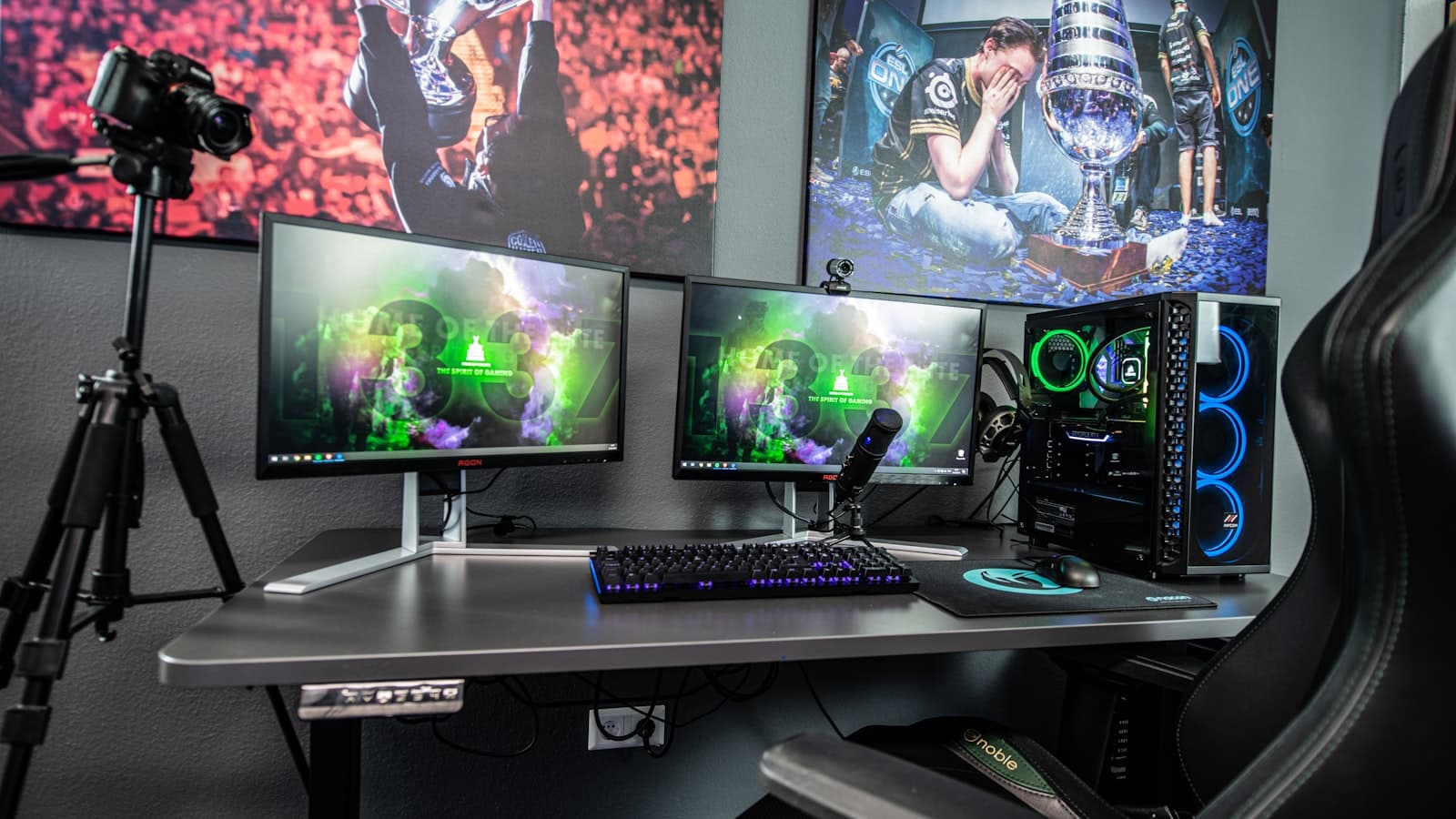
An always-on channel is meant to run untouched, which makes the setup worth getting right the first time. A little preparation prevents the small oversights — a too-short loop, a wrong stream key, an oversized bitrate — that turn a hands-off stream into a source of headaches.
Use this checklist before you press Start on a 24/7 broadcast.
Key takeaways
- Prepare content and a long enough playlist before anything else.
- Confirm the right platform, stream key and settings.
- Set a clear title and thumbnail so the stream earns clicks.
- Know how you'll monitor health once it's live.
1. Content and playlist
Start with what will actually play. Gather your videos, export them as MP4 (H.264 video, AAC audio), and check they're a consistent resolution and frame rate. Build a playlist of at least a few hours so it doesn't loop within a single viewing session, and order it for flow — strong content up front, variety throughout. Confirm you own or are licensed to stream everything, including any music.
2. Platform and stream key
Decide where you're broadcasting — YouTube, Twitch, Kick, Rumble, Facebook, a custom RTMP destination, or several at once. Grab the correct stream key from each platform's dashboard and confirm live streaming is enabled on your account. Double-check you're pasting the key into the right destination; a swapped or stale key is the most common reason a stream won't start.
3. Encoding and quality
Pick a target resolution and frame rate your content suits — 1080p at 30 FPS is a safe default — and let the bitrate match the platform's recommendation rather than exceeding it. With a cloud service like StreamHouse this is handled automatically: your videos are pre-encoded, so the bitrate stays steady and there's nothing to tune per stream.
4. Presentation
First impressions drive clicks. Write a clear, keyword-aware title that says what the stream is and that it runs 24/7. Add a legible thumbnail (1280×720 or larger). Fill out the description with relevant terms and links to your other content, and prepare a pinned chat welcome for new arrivals.
5. Monitoring and recovery
Finally, know how you'll keep an eye on things. A good dashboard shows what's playing and whether the broadcast is healthy. Make sure automatic restart is in place so a network blip doesn't end the stream — StreamHouse targets 99.9% uptime and restarts after infrastructure issues. With that safety net, you can genuinely set it and forget it.
Frequently asked questions
How long should my playlist be before going 24/7?
Aim for at least 2–4 hours of varied content so the loop isn't obvious and average watch time stays high.
What's the most common launch mistake?
A wrong or swapped stream key, and a loop that's too short. Both are quick to check before you start.
Do I need to monitor it constantly?
No. With automatic restart and a health dashboard, a cloud stream runs itself — check in occasionally rather than babysitting it.