

GTA 6 streaming
Stream Your GTA 6 Gameplay 24/7
Turn your recorded PS5 or Xbox gameplay into a continuous live stream on YouTube, Twitch, and Kick. Upload your recordings, schedule your stream, and keep broadcasting without leaving your console or computer running.
From $19/month · VAT included · Cancel anytime


 100+ channelsstream 24/7 with StreamHouse
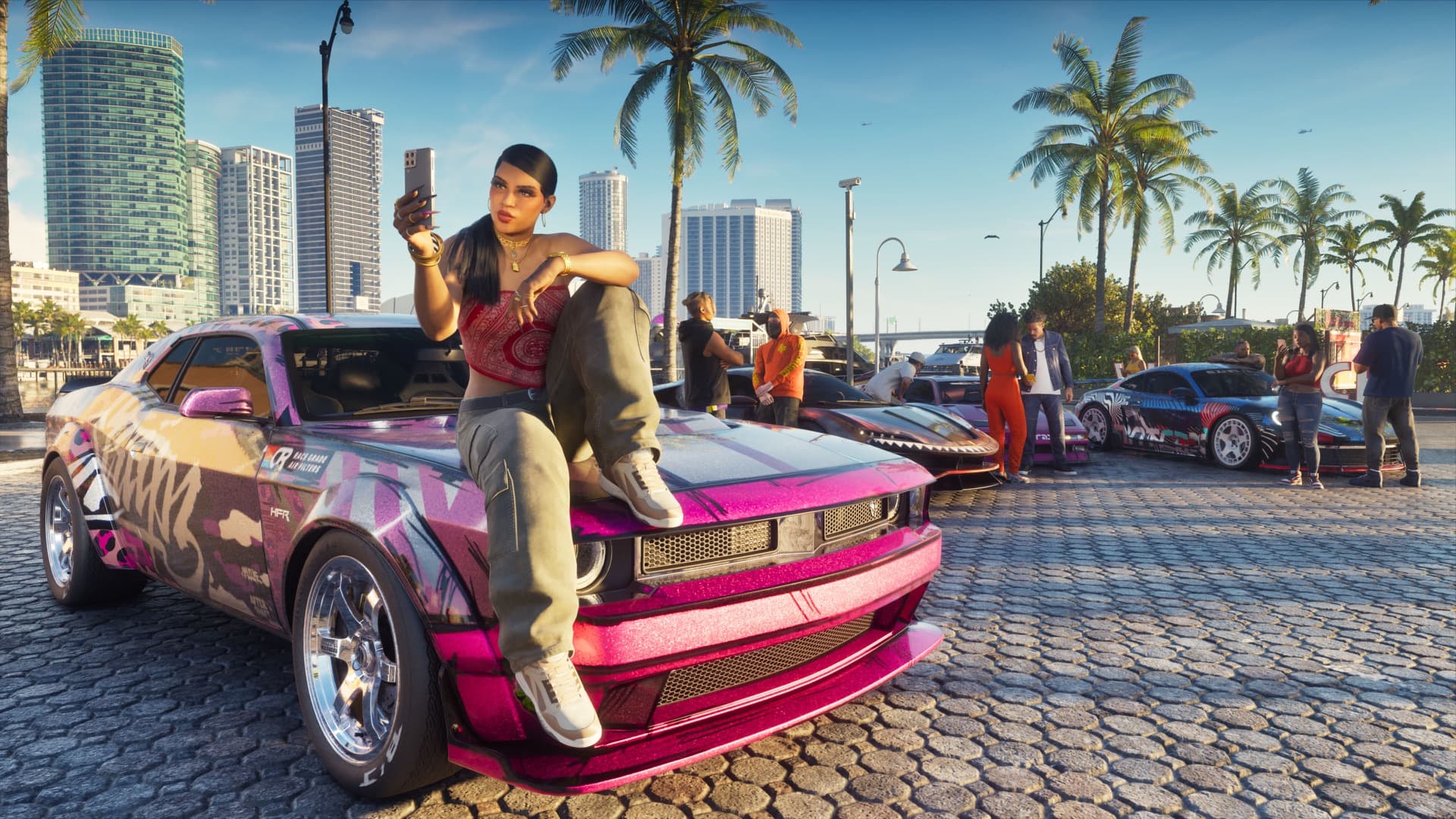
GTA 6 · 24/7 Replay — Story Session 01
- gta6-session-01.mp4Now playing · PS5 · 58:30
 gta6-night-drive.webmPS5 · 41:05
 gta6-heist-prep.mp4Xbox · 1:02:14
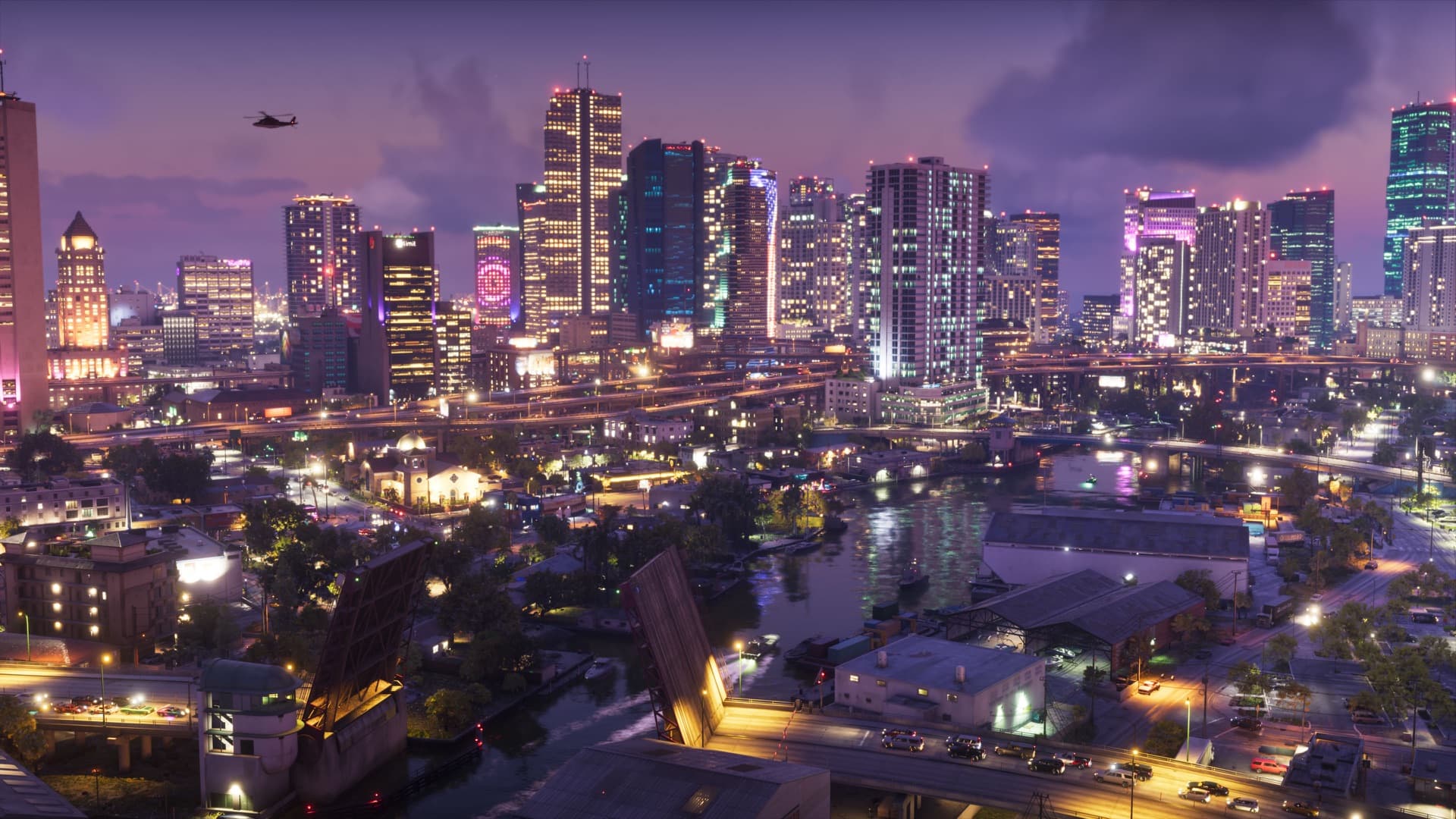 gta6-coastline.mp4Xbox · 36:48
 Twitch
 Kick
- PS5 recordingsMP4 or WebM captures upload as they are
- Xbox recordingsSeries X|S captures upload as they are
- No OBS neededUpload from your phone or any browser
StreamHouse streams your recordings — not your console
StreamHouse doesn’t connect to your PS5 or Xbox and doesn’t capture gameplay while you play. You record on your console first, move the files off it and upload them. From there, StreamHouse plays them live, on a loop, around the clock.
What StreamHouse does
- Plays your uploaded GTA 6 recordings as a real live stream
- Loops your playlist 24/7 from its own servers
- Sends one stream to YouTube, Twitch and Kick at once
- Starts and stops at a time you set
What it doesn’t do
- Connect to your PlayStation or Xbox
- Capture or record gameplay for you
- Stream what you’re playing right now
- Show your webcam, mic or live chat on screen
Want to go live while you play?
Use your console’s built-in broadcast, or a capture card with OBS. If you go the OBS route, StreamHouse’s live multistream can send that one feed to several platforms at the same time.
How it works
From your console to a 24/7 live stream
Three steps. Your console is only needed for the first one.
- 01
Record your gameplay
Record GTA 6 gameplay directly on your PS5 or Xbox.
- 02
Upload to StreamHouse
Transfer your gameplay footage and upload it to StreamHouse.
- 03
Go live 24/7
Loop your recordings on YouTube, Twitch, or Kick without keeping your console running.
Step 2 in detail
Getting recordings off your console
- PlayStation 5
Copy captures from the Media Gallery to a USB drive, or turn on auto-upload in the PlayStation App and save them to your phone.
- Xbox Series X|S
Captures upload to your Xbox account — save them to your phone in the Xbox app, or copy them to a USB drive.
Then upload them to StreamHouse from a browser or the StreamHouse app for Android. Each video is encoded once, so there’s nothing to convert.
Create your accountVice City, around the clock
A whole state worth streaming
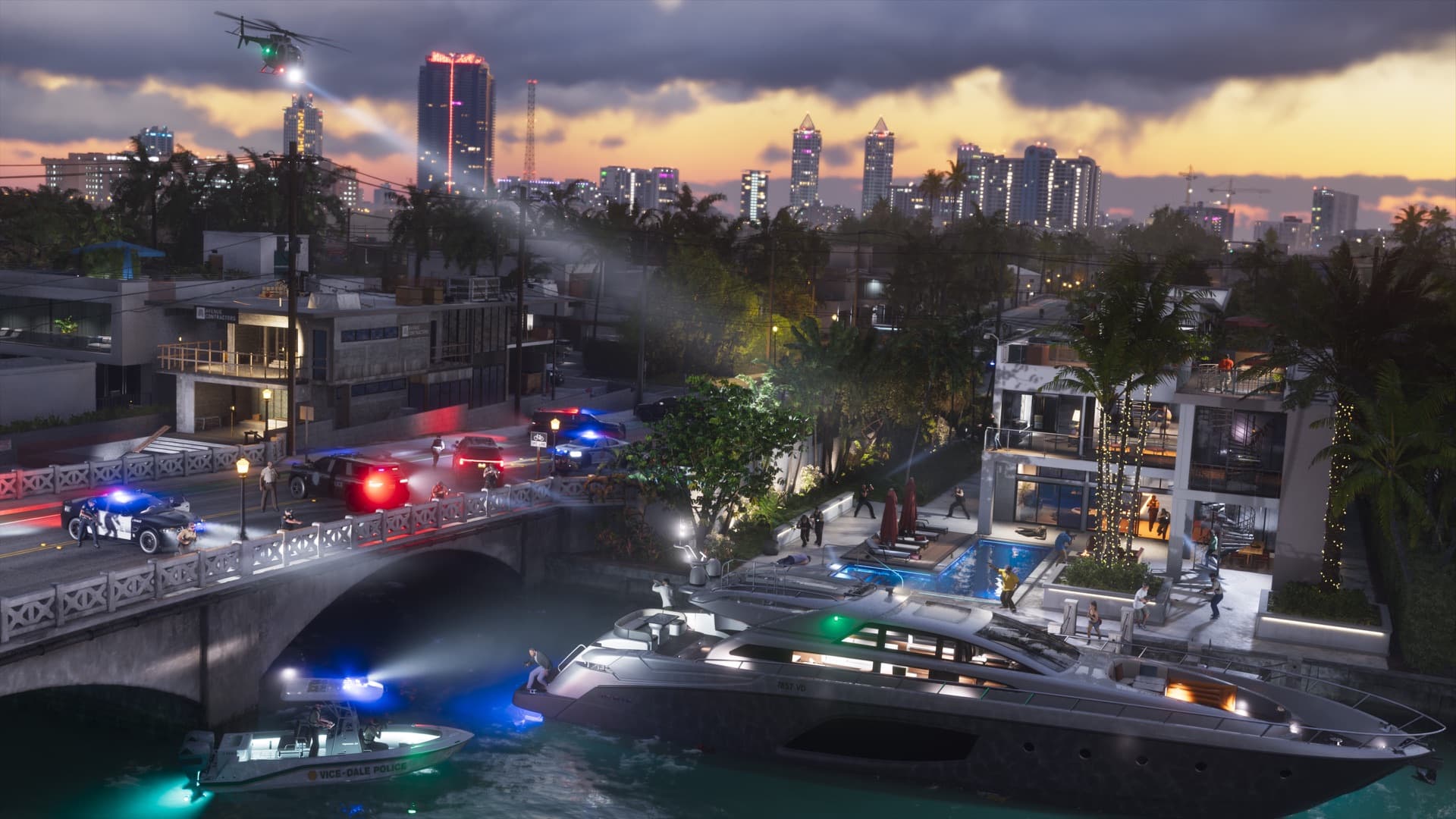
Vice City and the rest of Leonida are built for long sessions. Record the drives, the missions and the sunsets, and keep them playing for viewers day and night.

Screenshots: official Grand Theft Auto VI images by Rockstar Games.
Good to know
Tips for a smooth GTA 6 stream
A few things worth knowing before your first 24/7 GTA 6 stream goes live.
Keep capture settings the same
Videos in one stream need the same resolution, orientation and frame rate. Pick one capture setting and stick with it.
Build a long playlist
Add sessions in the order you want. When the last one ends, the playlist starts again from the top.
Flag story spoilers
Story missions are spoilers for new players. Say so in your stream title on YouTube, Twitch or Kick.
Label it as a replay
Put “24/7” or “Replay” in the title so viewers know what they’re watching. Kick lists pre-recorded streams as grounds to refuse verification and Partner status.
Compare
Leave the console on, or let StreamHouse stream it?
Streaming old gameplay 24/7 from home ties up your console or PC. StreamHouse plays the same recordings from the cloud.
 StreamHouse
Pricing
One monthly price. GTA 6 live around the clock.
Every plan streams 24/7 with no hour cap and no watermark. Pick how many channels you run at once.
Starter
$19/month
- 1 stream live at the same time
- 150 GB video storage · 1080p at 30 fps
- 4K for $49/month
Growth
Recommended$39/month
- 3 streams live at the same time
- 300 GB video storage · 1080p at 30 fps
- 4K for $89/month
Pro
$69/month
- 7 streams live at the same time
- 500 GB video storage · 1080p at 30 fps
- 4K for $149/month
Every plan includes
- Multistreaming and scheduling
- 24/7, no hour cap
- Team access
- No watermark
No watermark · 20% off with yearly billing · Cancel any time
Verified on Trustpilot
What StreamHouse customers say
Reviews from creators who run 24/7 live streams with StreamHouse.
4.5Trustpilot15 verified reviewsRead


I've been using StreamHouse for my YouTube music channels, and my experience has been excellent.
 Tamara ProkudinaYouTube music channels · Verified on Trustpilot
We use StreamHouse to run the 24/7 live stream for our channel, Echoes Trip Lofi Jazz, and it's been a great experience.
 Echoes TripEchoes Trip Lofi Jazz · Verified on Trustpilot
I started using StreamHouse recently for my 24/7 livestreams, it was super easy to set up and use the platform.
Vivian Studio24/7 livestreams · Verified on Trustpilot
- No. StreamHouse doesn’t connect to consoles and doesn’t capture gameplay. You record GTA 6 on your PS5 or Xbox, move the recordings off the console and upload them to StreamHouse. StreamHouse then streams those recordings live, 24/7.
- Not with uploaded recordings — those play back after you’ve recorded them. To go live as you play, use your console’s built-in broadcast, or a capture card with OBS. With OBS, StreamHouse’s live multistream can relay that feed to YouTube, Twitch and Kick at the same time.
- Open the Media Gallery and copy your captures to a USB drive, or turn on auto-upload in the PlayStation App and save the captures to your phone. Then upload the files to StreamHouse.
- Xbox captures upload to your Xbox account, so you can save them to your phone in the Xbox app. You can also copy them to a USB drive. Then upload the files to StreamHouse.
- MP4, MOV, WebM, MKV, M4V and AVI. PS5 captures (MP4 or WebM) and Xbox captures (MP4) upload as they are — StreamHouse encodes each video once, so there’s nothing to convert.
- Not for a 24/7 stream of your recordings. You can upload from any browser or from the StreamHouse app for Android. After that, the stream runs on StreamHouse servers, with your console, phone and computer switched off.
- Yes. Add more destinations to the same stream and StreamHouse sends your GTA 6 playlist to all of them. On Twitch and Kick you paste your stream key and set the title and category on the platform.
- Each platform sets its own rules. YouTube and Twitch allow pre-recorded live streams of content you have the rights to, and many 24/7 channels put “24/7” or “Replay” in the title. Kick doesn’t ban them, but lists pre-recorded streams as grounds to refuse or revoke verification and its Partner Program. The game publisher’s policy on gameplay videos applies too, so check it before you monetize.
- Yes. StreamHouse works with any recorded gameplay, so you can set up your channel and playlist now and add GTA 6 recordings as you make them.
- Yes. Give a stream a start time, an end time or both, and StreamHouse starts and stops it on time from its servers. Schedules are one-off; set a new time for the next run.
- StreamHouse plans start at $19 a month and stream 24/7 with no hour cap. Yearly billing takes 20% off, and you can cancel at any time.
GTA 6 streaming
Keep your GTA 6 channel live around the clock
Record on your console, upload the footage and start the stream. StreamHouse keeps it going.
- PS5 and Xbox recordings
- YouTube, Twitch and Kick
- Console off
- From $19/month
Grand Theft Auto and GTA are trademarks of Take-Two Interactive Software, Inc. Game screenshots © Rockstar Games. StreamHouse is not affiliated with, endorsed or sponsored by Rockstar Games or Take-Two Interactive.