How To Find Your Youtube Stream Key
if you want to go live on YouTube using StreamHouse.co, you’ll first need to get your YouTube Stream Key. This key lets your streaming platform connect to your YouTube account and start the broadcast.
Stream House Team April 30, 2026
if you want to go live on YouTube using StreamHouse.co, you’ll first need to get your YouTube Stream Key. This key lets your streaming platform connect to your YouTube account and start the broadcast.


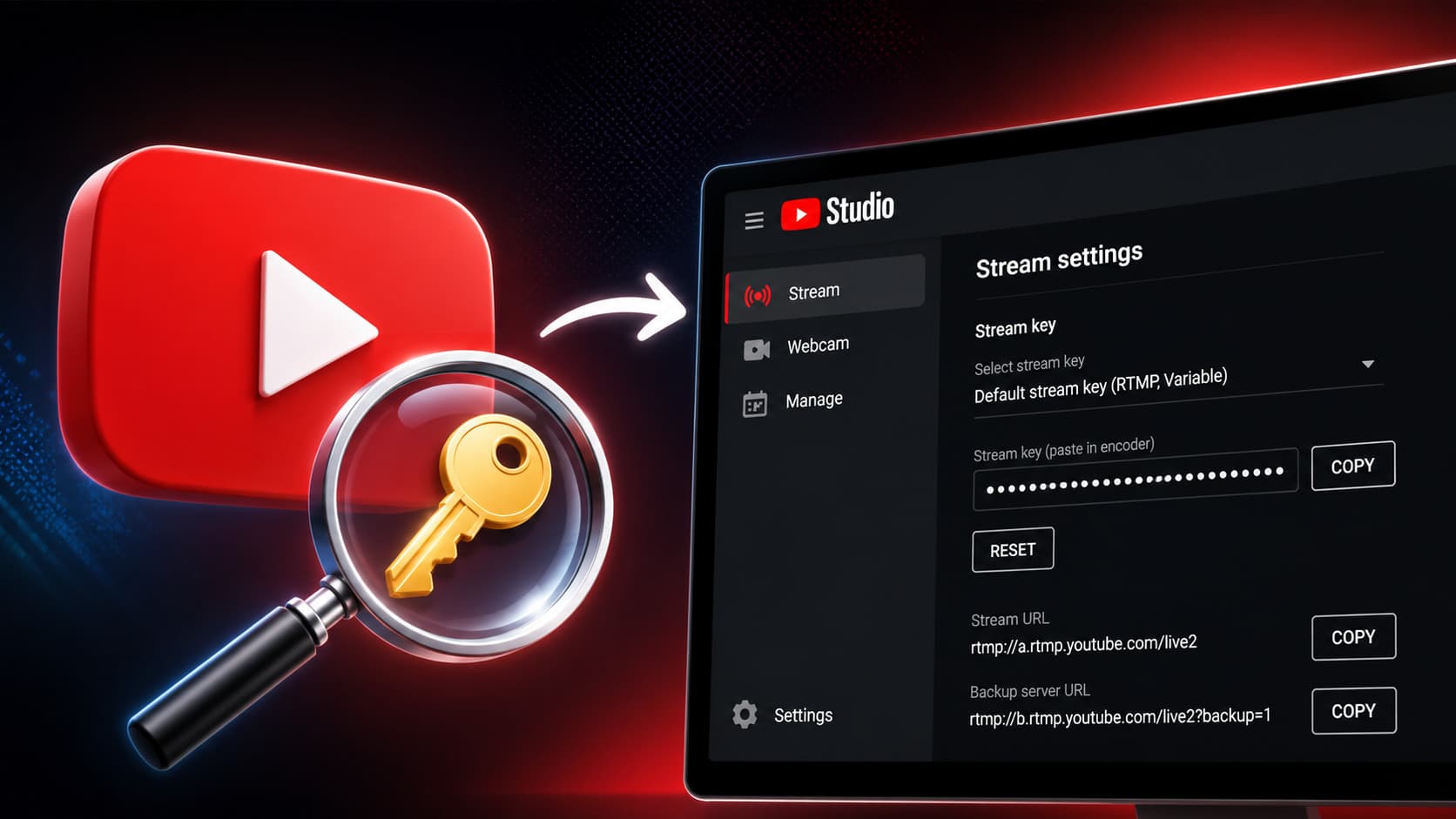
1. Open YouTube Studio and go to Live streaming.
From your YouTube dashboard, click Go live to open the live streaming settings.
2. Find the stream settings section.
Inside the Live Control Room, you’ll see your streaming details, including the Stream URL and Stream Key.
3. Copy your Stream Key.
Click the Copy button next to the stream key, or reveal it first if needed. Keep this key private, since anyone with access to it can stream to your channel.
4. Paste it into StreamHouse.co.
After copying your key, go to your StreamHouse.co dashboard and paste it into the YouTube connection or streaming settings section.
Once connected, you can start streaming from StreamHouse.co directly to YouTube.
#youtube stream key#youtube live streaming#streamhouse#streamhouse.co#youtube studio#live streaming guide#stream key setup#how to stream on youtube