How to Run a 24/7 Nature or Ambient Relaxation Stream
Calming, always-on channels have huge, loyal audiences. Here's how to run a 24/7 nature or ambient relaxation stream from a looping video — peacefully and reliably.

On this page
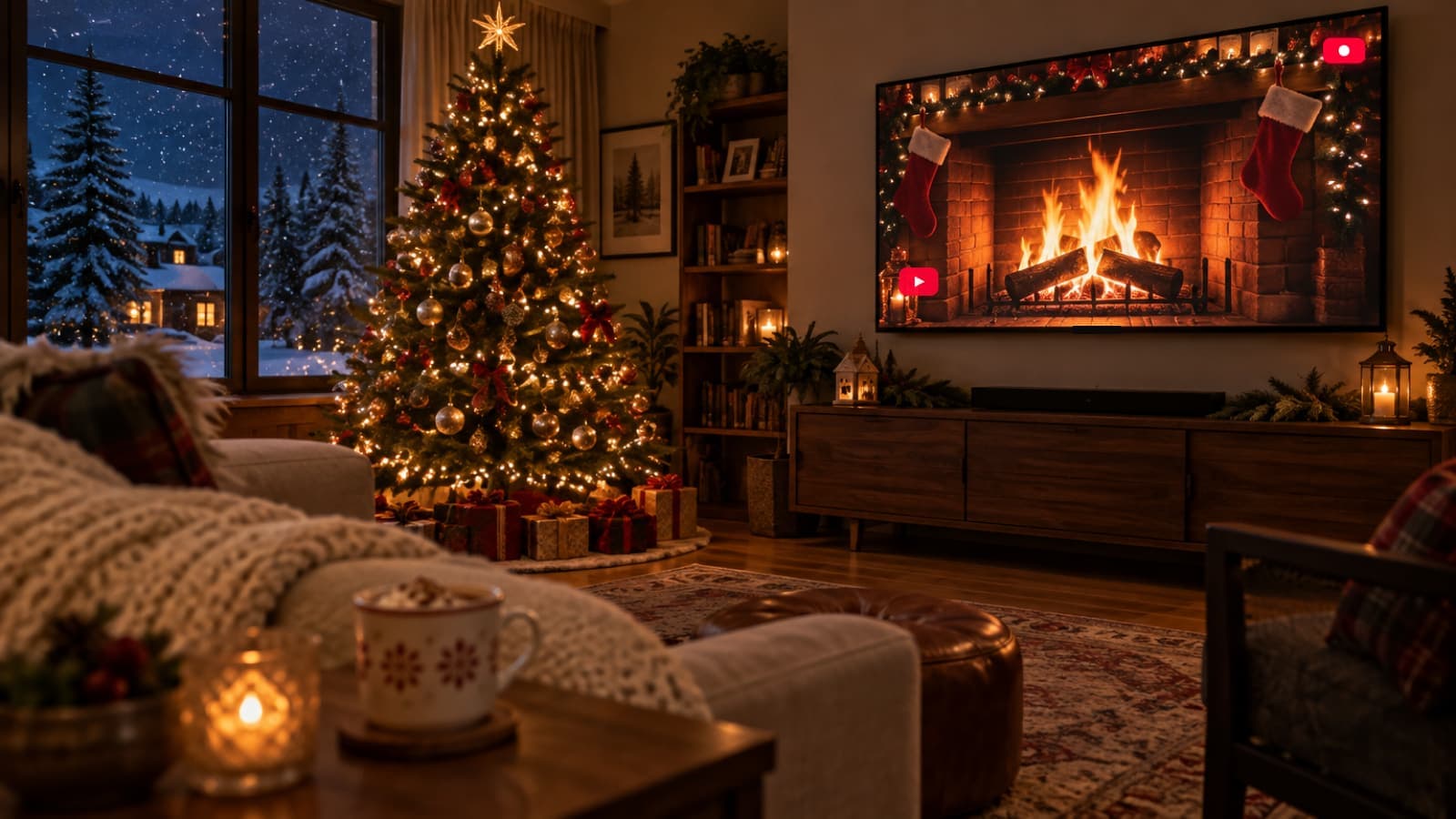
Rain on a window, a crackling fireplace, a forest at dawn — calming ambient channels are some of streaming's most quietly successful formats, drawing loyal audiences who leave them playing for hours. And they're wonderfully simple to run: at heart, it's a peaceful looping video streamed live around the clock.
Here's how to run a 24/7 nature or ambient relaxation stream.
Key takeaways
- An ambient channel is a calm, looping video streamed 24/7.
- Long, seamless loops with gentle audio are the format.
- You must own or be licensed for the footage and sound.
- Low-motion visuals stream beautifully at a steady bitrate.
Choose your ambience
Pick a mood and setting your audience can sink into: rainfall, ocean waves, a fireplace, a forest, a cozy café, or an abstract calming visual. The best ambient channels commit to a clear identity — a single, consistent scene rather than constant change. Decide whether you're leaning toward nature, focus/study, or sleep, since that shapes both the visuals and the sound.
Get the rights sorted
As with any channel, you can only stream footage and audio you own or are licensed to use. That means your own recordings, or clips and soundscapes from a library that clearly permits live streaming and monetization. Ambient content often pairs visuals with music or nature sound — make sure both are cleared. When in doubt, favor your own captures or unambiguously licensed material.
Build a long, seamless loop
Ambient viewers stay for a long time, so the loop should be long and as seamless as possible. Aim for an extended clip (or several) with smooth transitions and no jarring cuts, and layer calm, consistent audio. Low-motion visuals are ideal here: they compress cleanly, look crisp at a steady bitrate, and suit the relaxed mood. Export as MP4 (H.264 + AAC) at 1080p.
Put it on air 24/7
- Upload your ambient video(s) to your media library.
- Build a playlist — one long loop, or several scenes in rotation.
- Connect your platform with a stream key.
- Press Start — your relaxation channel streams around the clock.
It runs in the cloud, so the calm continues whether or not your devices are on.
Grow a loyal audience
Give the stream a clear, searchable title ("24/7 Rain Sounds for Sleep & Study") and a soothing thumbnail. Ambient audiences are famously loyal and session times are long, which builds strong watch-time signals over time. Keep the experience consistent, add new scenes occasionally, and let the channel become a place people return to. See how it works to set yours up.
Frequently asked questions
Can I use any nature footage or sounds?
Only footage and audio you own or are licensed to use for live streaming. Use your own captures or clearly licensed library content.
How long should an ambient loop be?
As long and seamless as you can manage. Ambient viewers stay for hours, so a longer loop keeps repetition unnoticeable.
Why are low-motion visuals recommended?
They compress cleanly and stay crisp at a steady bitrate, which suits both the calm mood and reliable 24/7 playback.