How to Build a 24/7 Lofi Music Live Stream on YouTube
Lofi radios are some of YouTube's most-watched live channels. Here's how to build your own 24/7 music stream from a looping playlist — legally and reliably.

On this page
The endless lofi "radio" is one of the most recognisable formats on YouTube — a looping beat, a cosy animation, and a live chat full of people studying and relaxing. The good news is that the technology behind it is simple: it's a 24/7 pre-recorded stream. Here's how to build your own always-on music channel the right way.
We'll cover the setup, the licensing you must get right, and the settings that keep it smooth.
Key takeaways
- A lofi radio is just a looping video streamed to YouTube 24/7.
- Licensing is the make-or-break step — only stream music you're allowed to.
- One long, seamless loop with a calm visual is the classic format.
- Cloud streaming keeps the beat playing without a PC left on.
Get the music licensing right
This is the part that ends channels if ignored. You may only stream music you own or are licensed to use. That means your own productions, tracks from a royalty-free or subscription library that explicitly permits live streaming and monetization, or music you have direct permission for. Using popular copyrighted songs will trigger claims or strikes. When in doubt, choose a library with clear live-streaming rights.
Create your loop
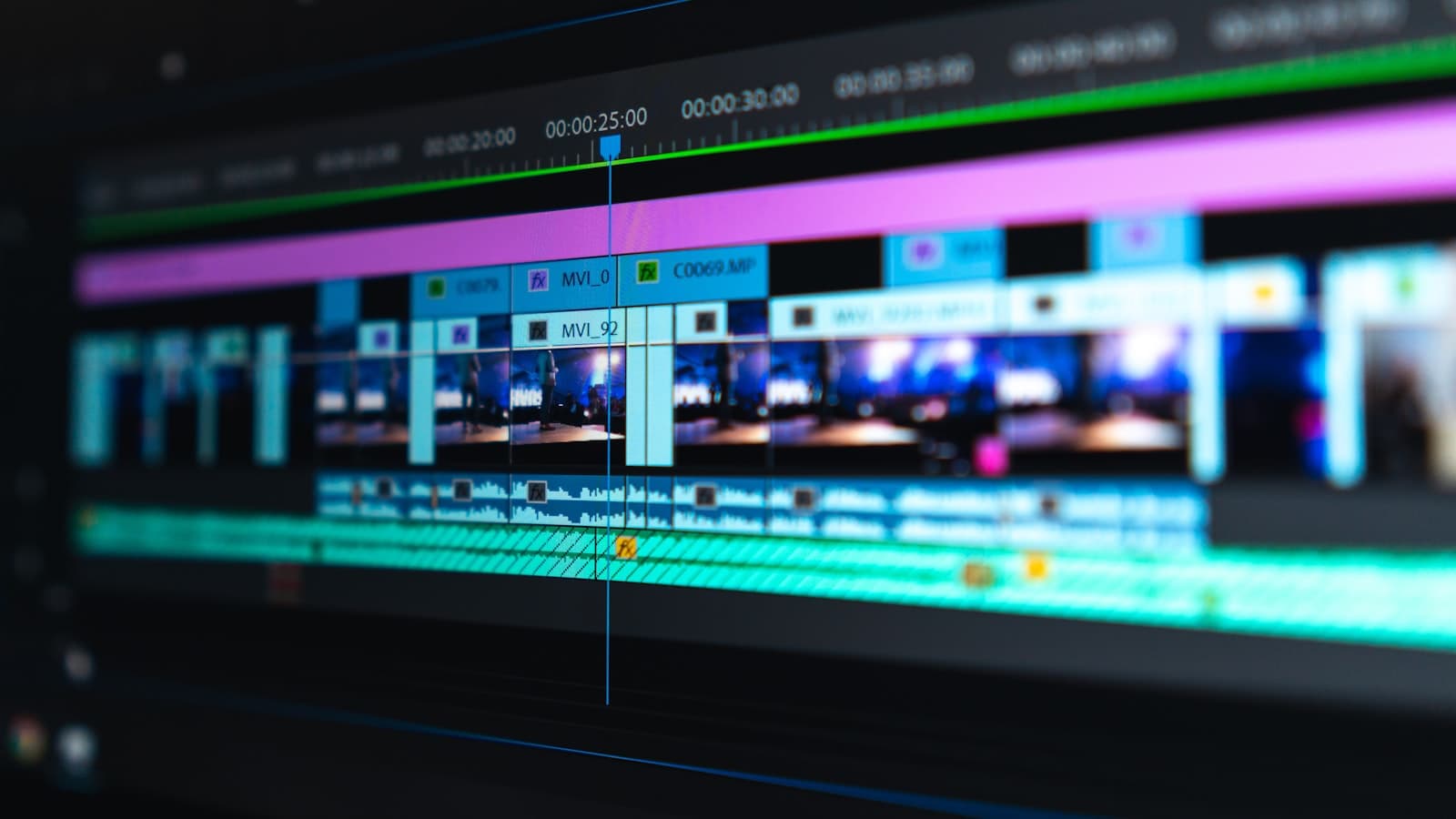
The classic lofi channel is a single, long, seamless video: a calm looping animation with a music mix layered on top. Aim for a mix long enough that it doesn't feel repetitive — an hour or more is common, and you can queue several. Export as MP4 (H.264 + AAC) at 1080p. Keep the visuals gentle and low-motion; it compresses cleanly and looks great at a steady bitrate.
Put it on air 24/7
- Upload your mix(es) to your media library.
- Build a playlist — a single long loop, or several mixes in rotation.
- Connect YouTube with your stream key.
- Press Start. Your lofi radio is live and loops forever.
Because it runs in the cloud, the music keeps playing whether or not your computer is on.
Grow the channel
Give the stream a clear, searchable title ("lofi beats to study/relax to — 24/7"), a clean thumbnail, and a pinned welcome in chat. Consistency matters: an always-on channel accumulates watch time and can surface in "live now" recommendations at any hour. Add new mixes over time to keep regulars around.
Frequently asked questions
Can I use any music for a lofi stream?
No. Only stream music you own or are licensed to use for live streaming. Copyrighted tracks without rights will cause claims or strikes.
How long should the loop be?
Longer is better to avoid obvious repetition — an hour or more per mix is common, and you can rotate several.
Do I need a powerful PC to run it?
No. The stream runs in the cloud, so you can close your laptop and the music keeps playing.